LG-001 - What Is a Computer?
New to computers? This beginner-friendly guide explains what a computer is, the different types available, the basic parts of a computer and how they can help with everyday tasks.
Before You Begin
Introduction
Many people think computers are complicated machines only used by people who work in offices or understand technology.
The truth is much simpler.
A computer is simply a tool.
Just like a microwave helps you cook food and a car helps you travel, a computer helps you complete many everyday tasks.
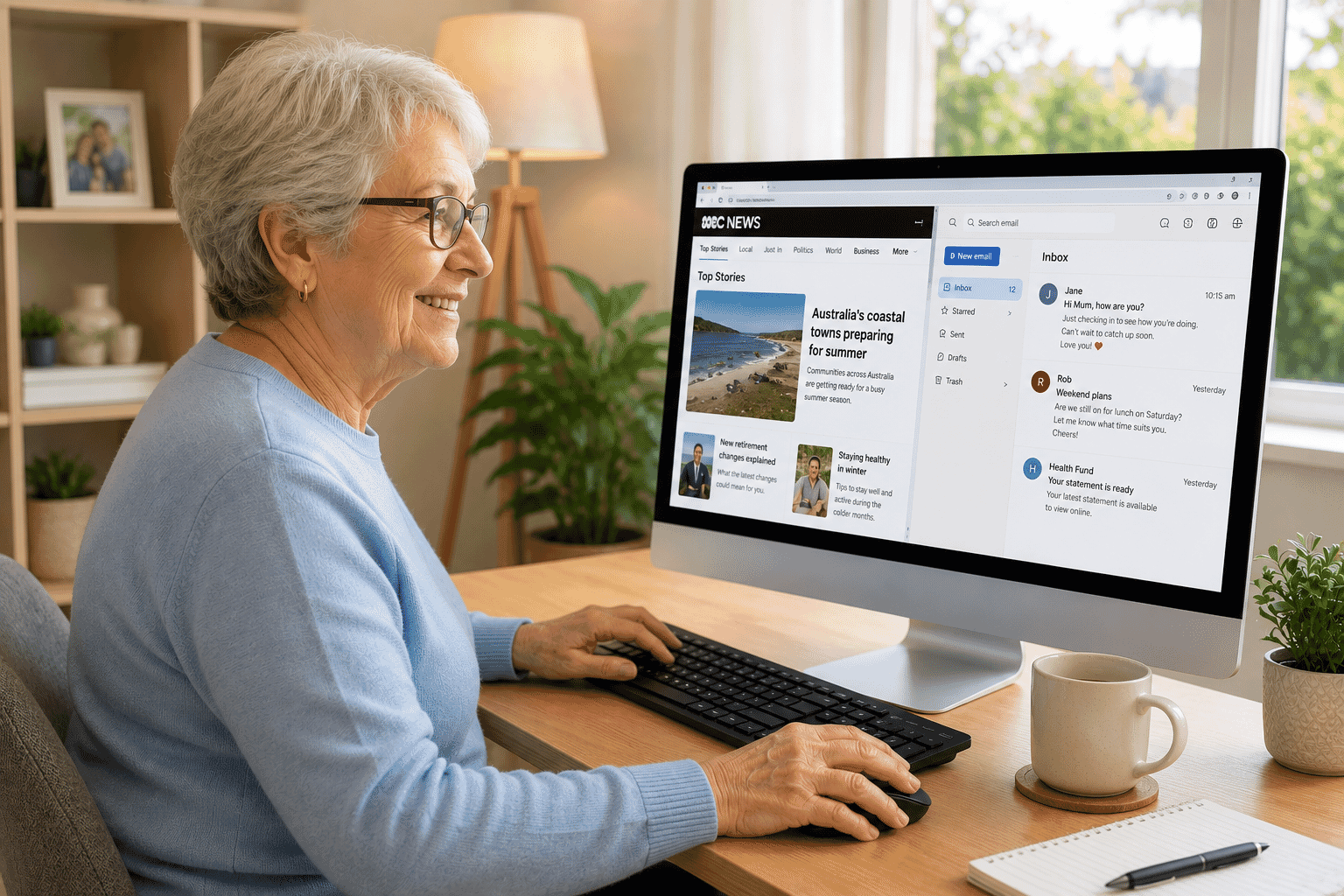
Millions of Australians use computers every day to:
- Talk with family and friends
- Shop online
- Pay bills
- Watch movies
- Read the news
- Store photos
- Write letters
- Browse the internet
- Book appointments
- Access government services
You don't need to know everything about computers to enjoy using one.
Learning the basics is enough to get started with confidence.
What Is a Computer?
A computer is an electronic device that receives information,
processes it and displays the results for you.
That sounds technical, but you already use devices that do exactly this every day.
For example:
You click a button.
The computer processes your request.
It shows the result on the screen.
Every task works in much the same way.
Whether you're writing a letter, watching YouTube or checking the weather, the computer is simply following instructions.
What Can a Computer Do?
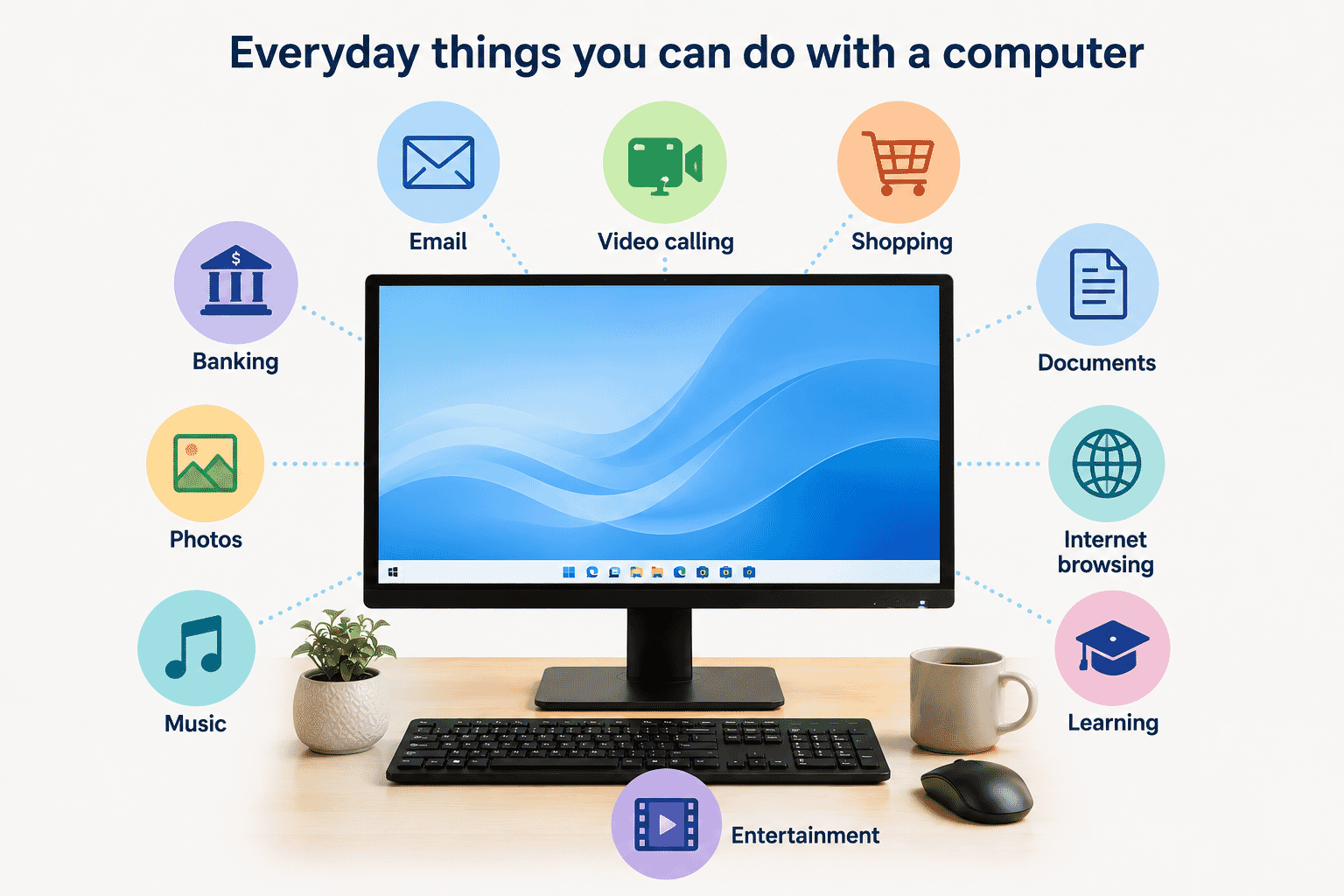
Modern computers can help with almost every part of daily life.
Some common uses include:
- Browsing the internet
- Sending and receiving emails
- Video calling family and friends
- Watching movies and television
- Listening to music
- Managing your photos
- Writing letters
- Creating shopping lists
- Online banking
- Shopping online
- Booking holidays
- Learning new skills
- Playing games
- Printing documents
You don't need to use every feature.
Most people regularly use only a small number of activities that are important to them.
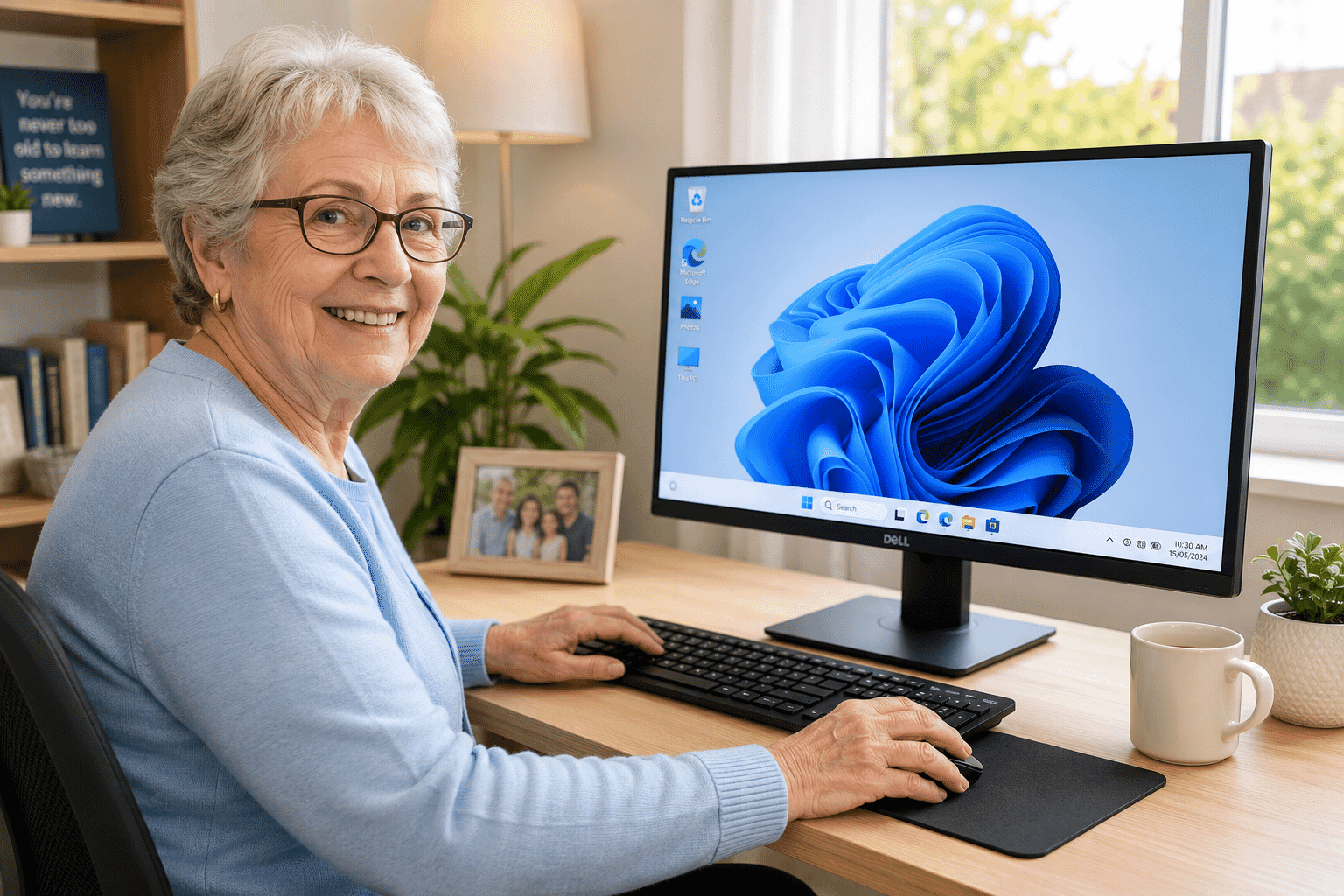
Desktop Computers
A desktop computer usually stays in one place.
It normally sits on a desk or table and has separate parts connected together.
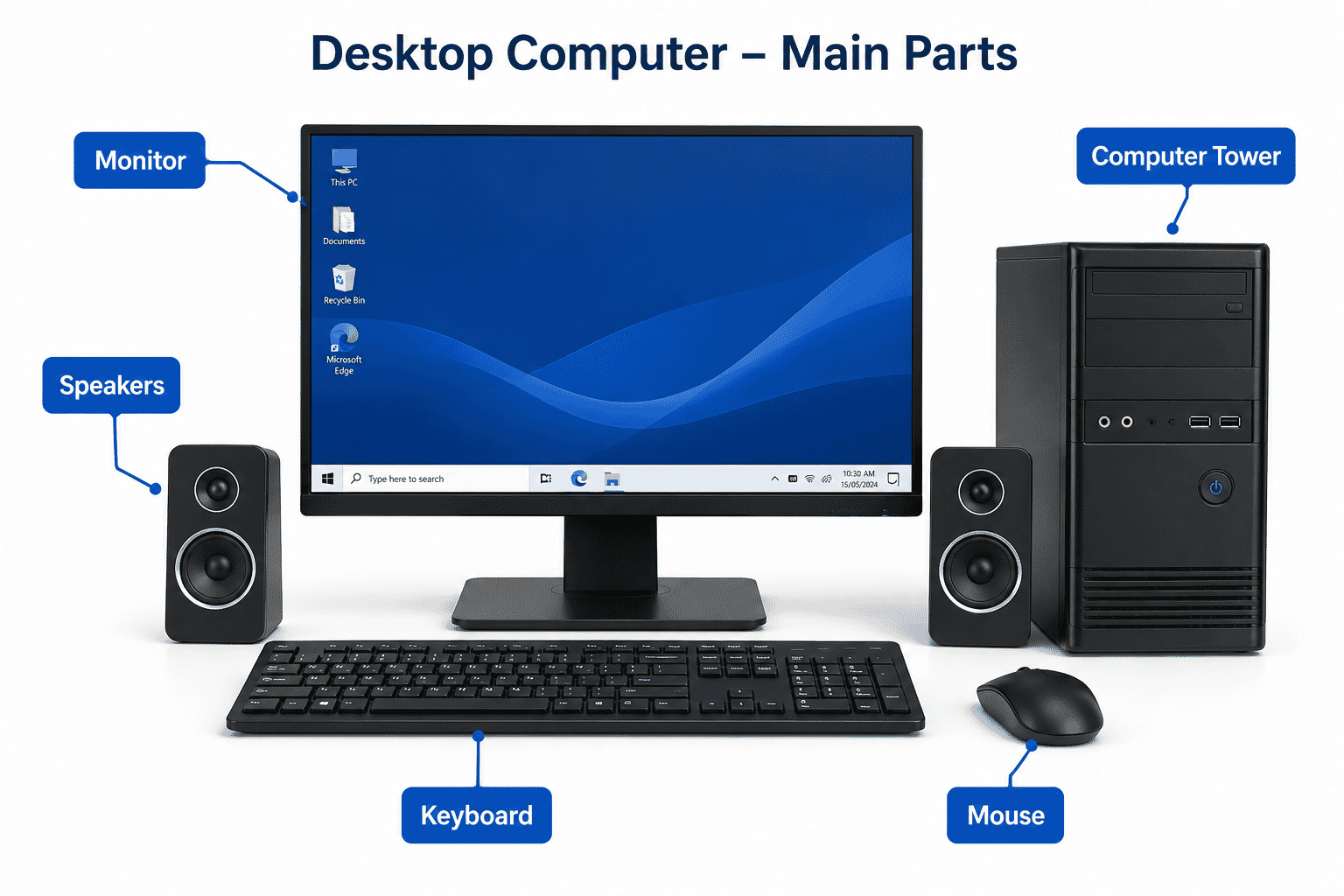
A desktop computer usually includes:
- Monitor
- Computer tower
- Keyboard
- Mouse
- Speakers (sometimes built into the monitor)
Desktop computers are popular because they often have:
- Larger screens
- Comfortable keyboards
- Easy upgrades
- Good performance
- Lower cost for similar performance
They are ideal if you mostly use your computer at home.
Laptop Computers
A laptop combines everything into one portable device.
The screen, keyboard, touchpad and computer are all built together.
Because laptops include a rechargeable battery, they can be used almost anywhere.
Many people like laptops because they are:
- Portable
- Lightweight
- Easy to store
- Great for travelling
- Simple to move around the house
If you like using technology from the lounge room, kitchen or while travelling, a laptop may be a better choice.
Desktop or Laptop?
Neither option is better for everyone.
Think about how you plan to use it.
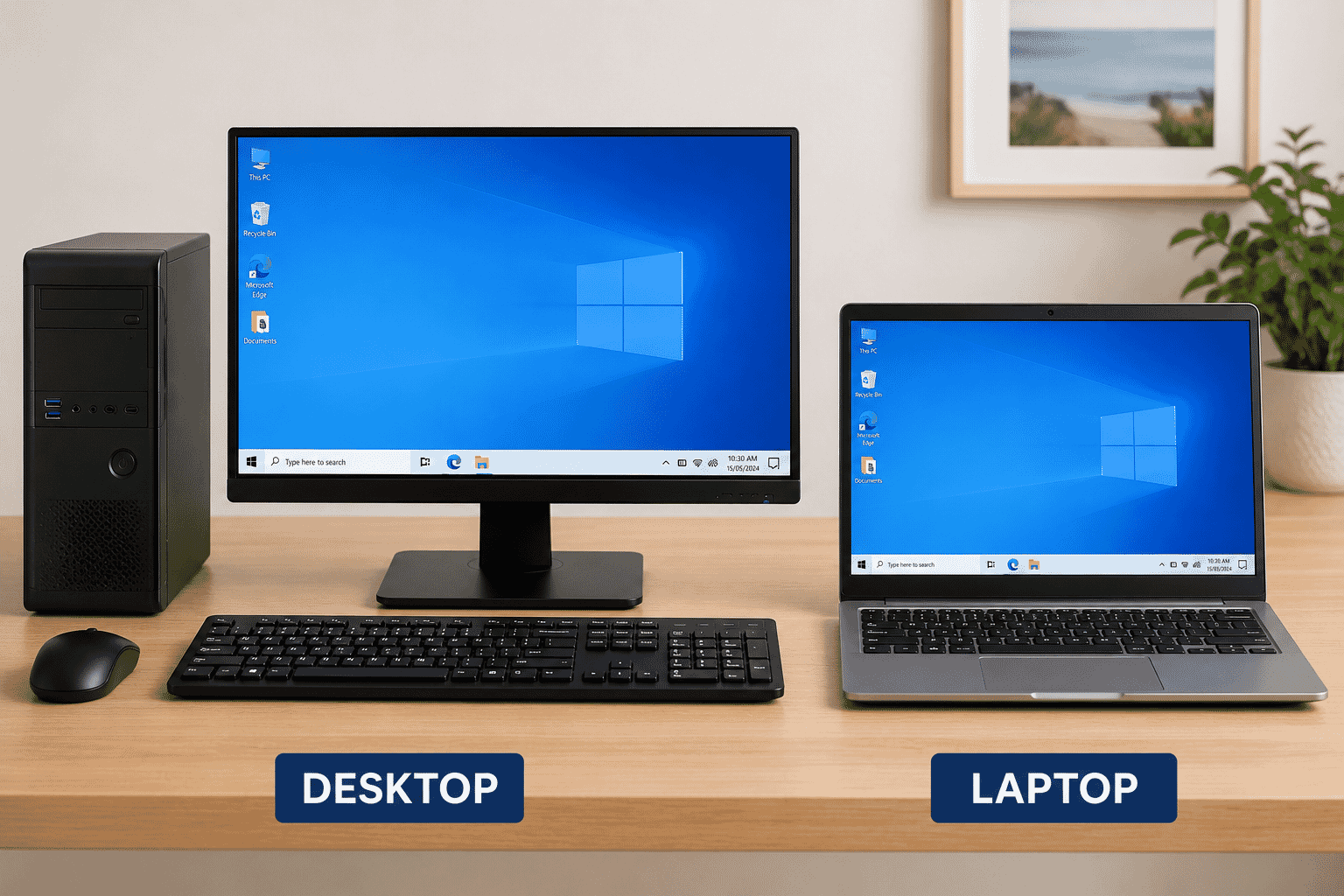
Choose a desktop if you:
- Mainly use it at home
- Want a larger screen
- Prefer a full-sized keyboard
- Don't need to move it often
Choose a laptop if you:
- Want to take it with you
- Have limited space
- Like using it in different rooms
- Travel regularly
Many people own both.
They use a desktop at home and a laptop when travelling.
The Main Parts of a Desktop Computer
Understanding the basic parts makes computers much less intimidating.
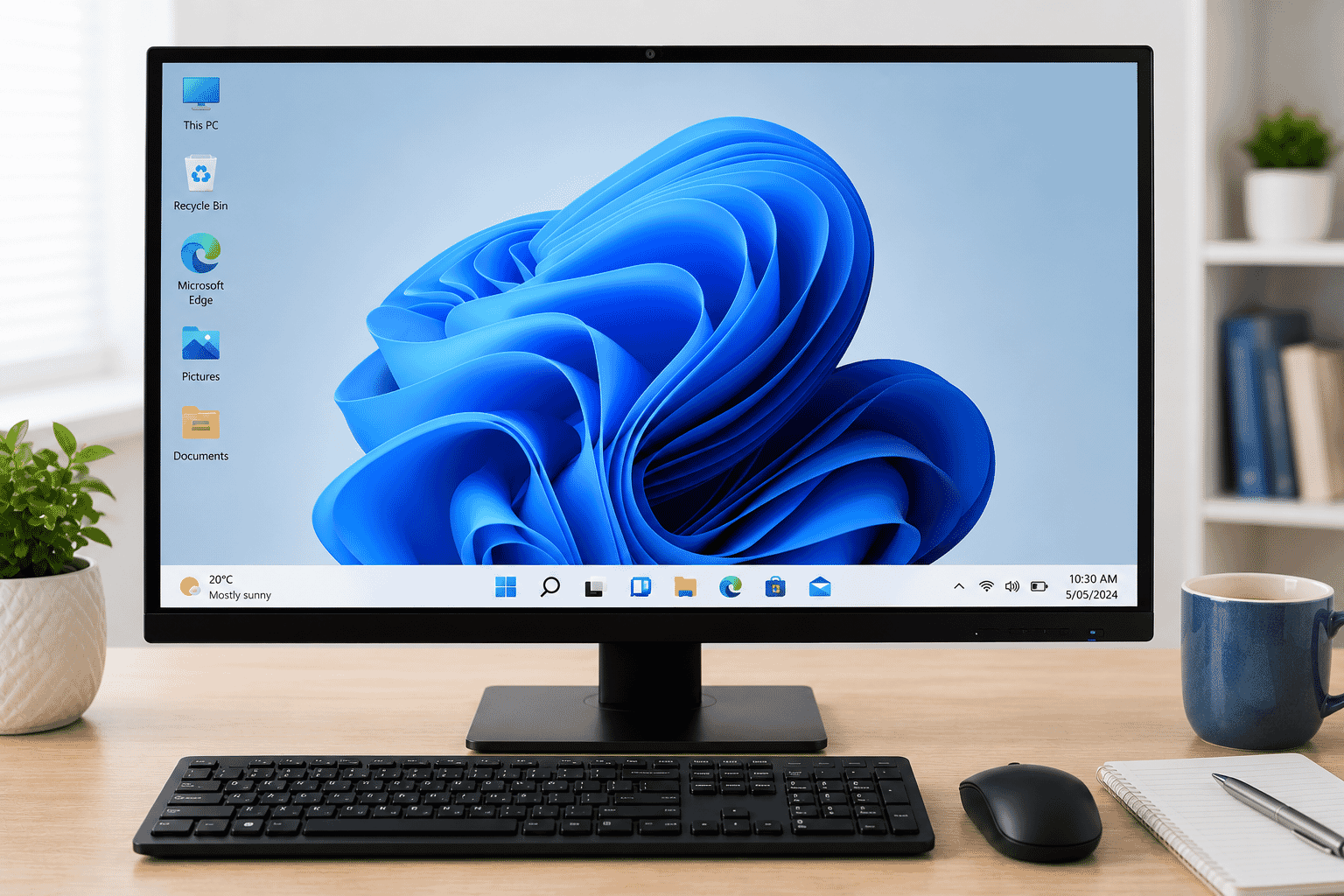
Monitor
The monitor is the screen.
It displays everything you do.
Think of it as the television of your computer.
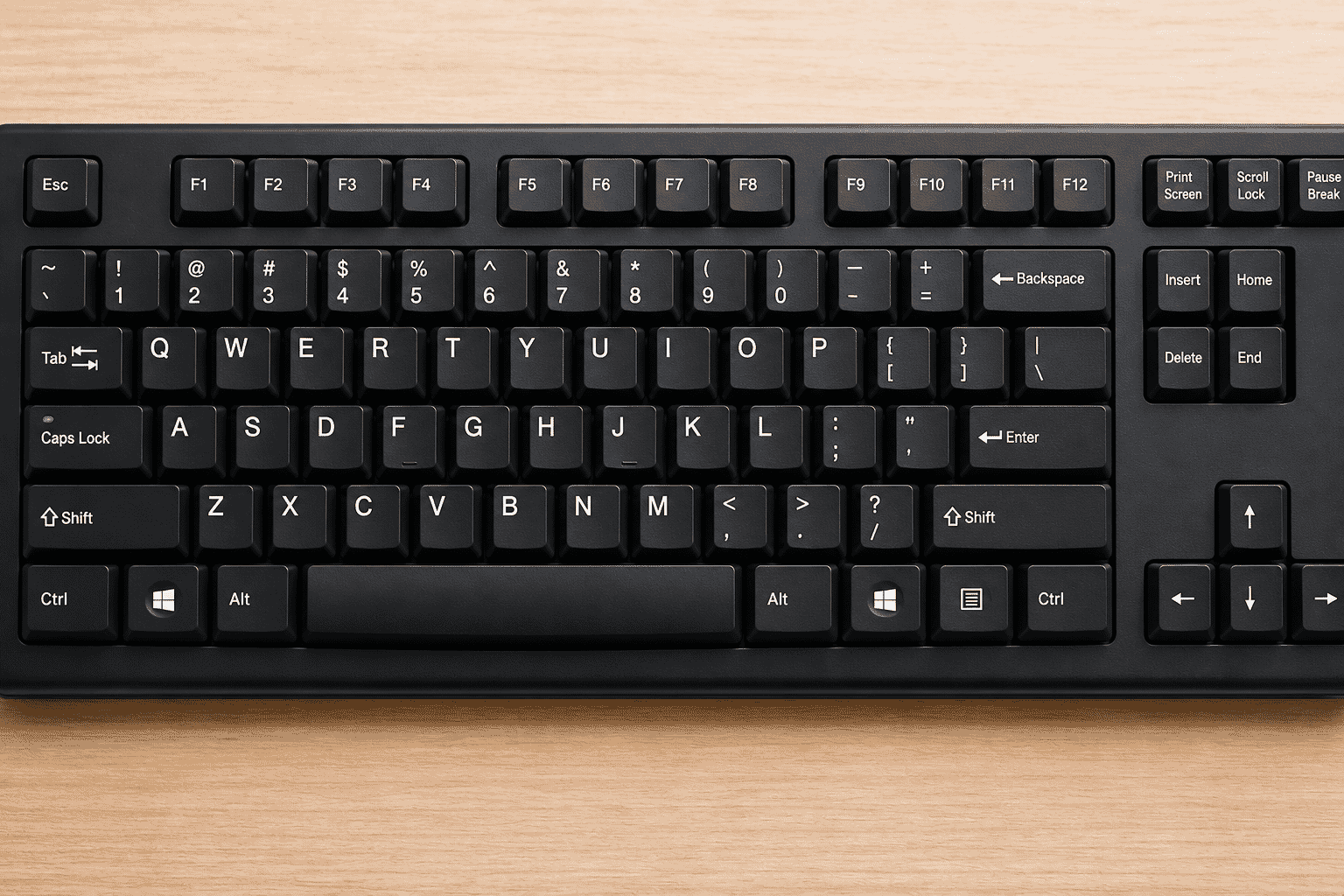
Keyboard
The keyboard allows you to type letters, numbers and symbols.
You'll use it when:
- Writing emails
- Searching the internet
- Creating documents
- Filling in online forms
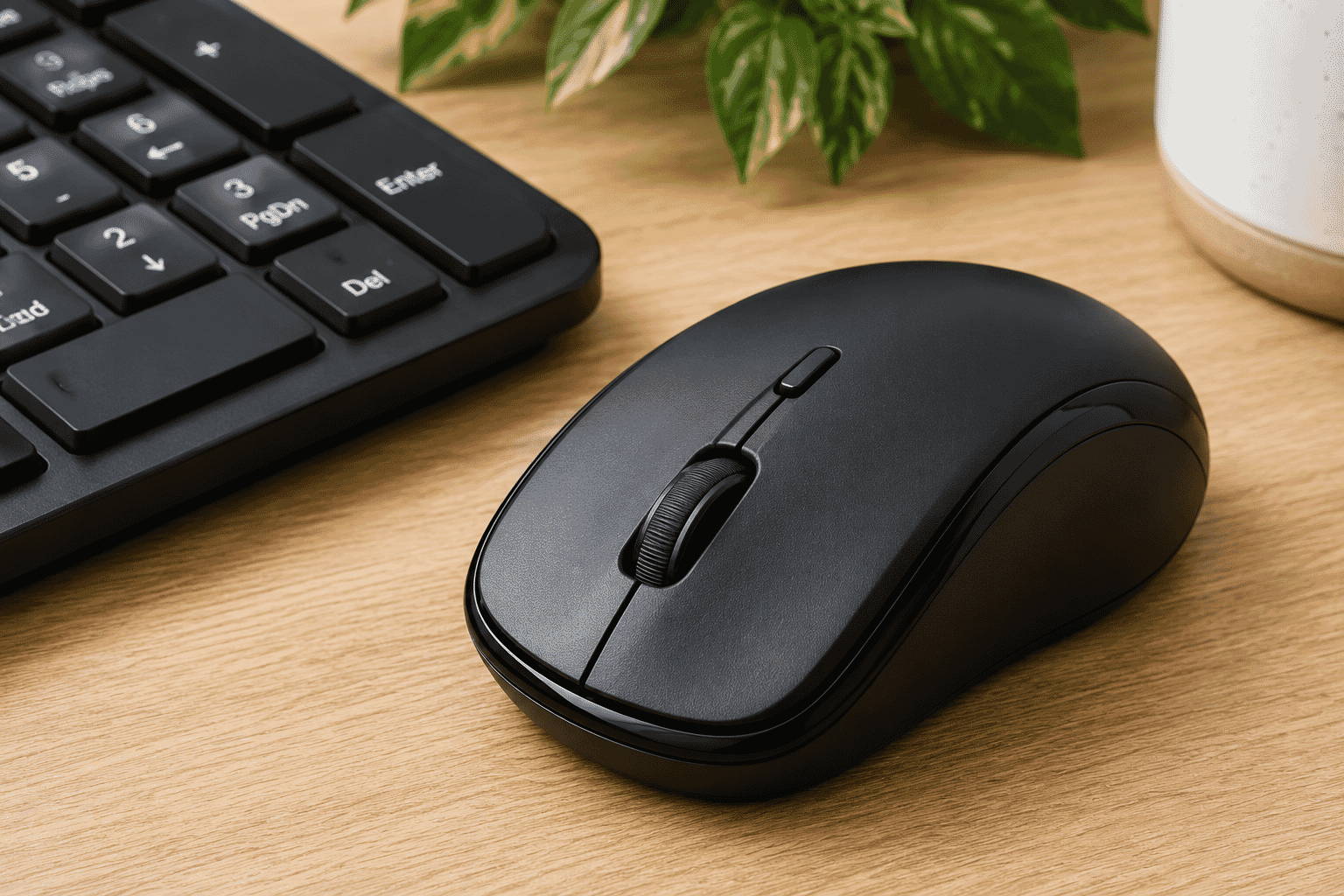
Mouse
The mouse controls the pointer on the screen.
You use it to:
- Click buttons
- Open programs
- Select text
- Browse websites
Move items around
Computer Tower
The computer tower is the main computer itself.
It contains the electronic parts that perform all the work.
Some desktop computers don't have a separate tower because the computer is built into the monitor.
Speakers
Speakers allow you to hear sound.
You might use them for:
- Music
- Videos
- Video calls
- Online learning
- Notifications
Some monitors include built-in speakers.
Others use separate speakers connected by cables.
Common Computer Terms
As you continue learning, you'll hear a few common words regularly.
Hardware
Hardware means the physical parts you can touch.
Examples include:
- Monitor
- Keyboard
- Mouse
- Computer tower
- Printer
Software
Software is the collection of programs that run on the computer.
Examples include:
- Internet browser
- Word processor
- Email program
- Games
- Photo viewer
Hardware is the equipment.
Software is what makes the equipment useful.
Requirements
None
Learning Paths
View all pathsNeed some help with this?
Protect your photos and files, automatic backups plus a “test restore” so you know it works.
Troubleshoot IT provides practical, one-to-one technology support across Darwin, Palmerston and surrounding areas.