Browse all Resources
Browse individual guides, videos and articles.
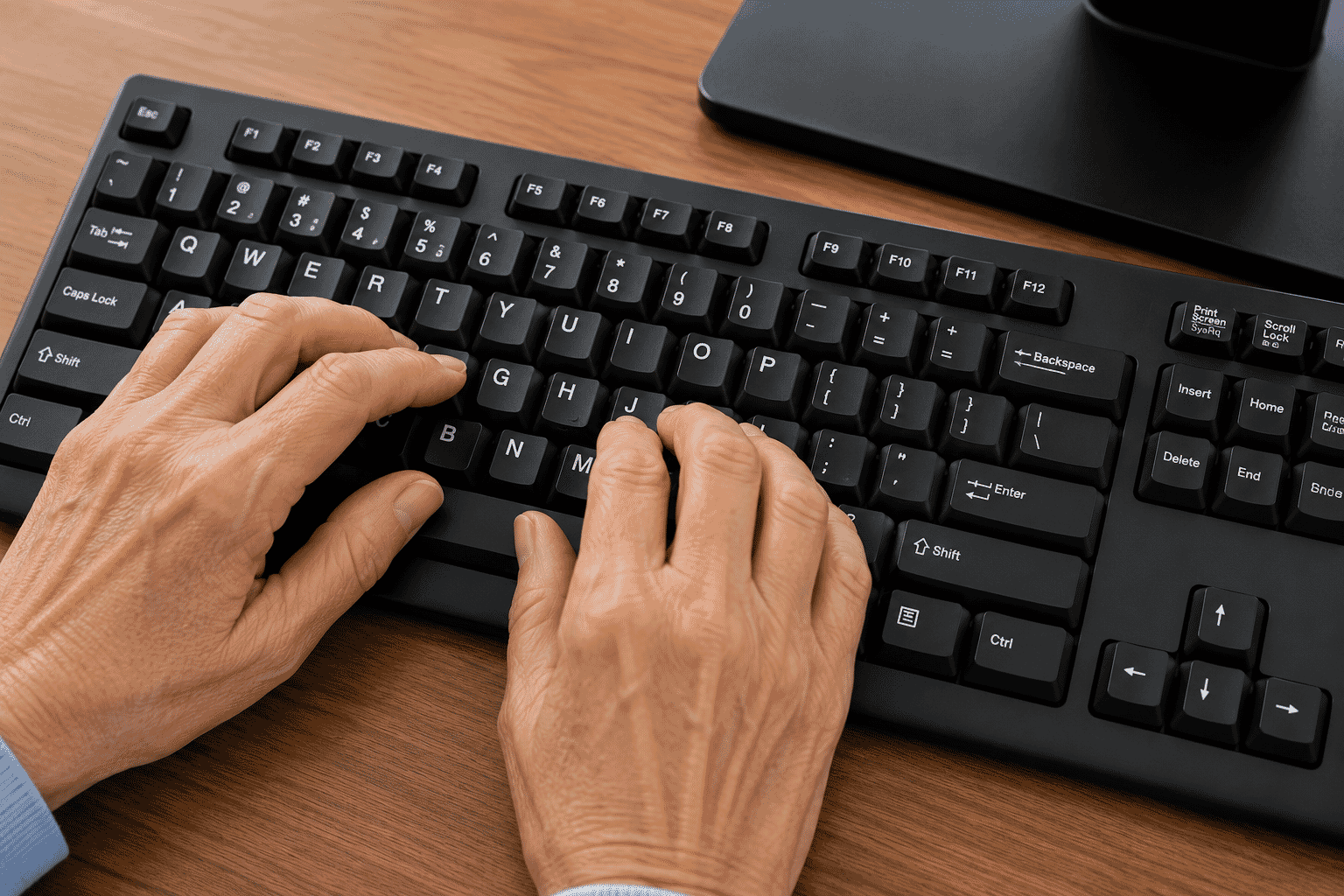
LG-010 - Using a Keyboard
Learn how to use a computer keyboard with confidence. This beginner-friendly guide explains the most important keys, ty…
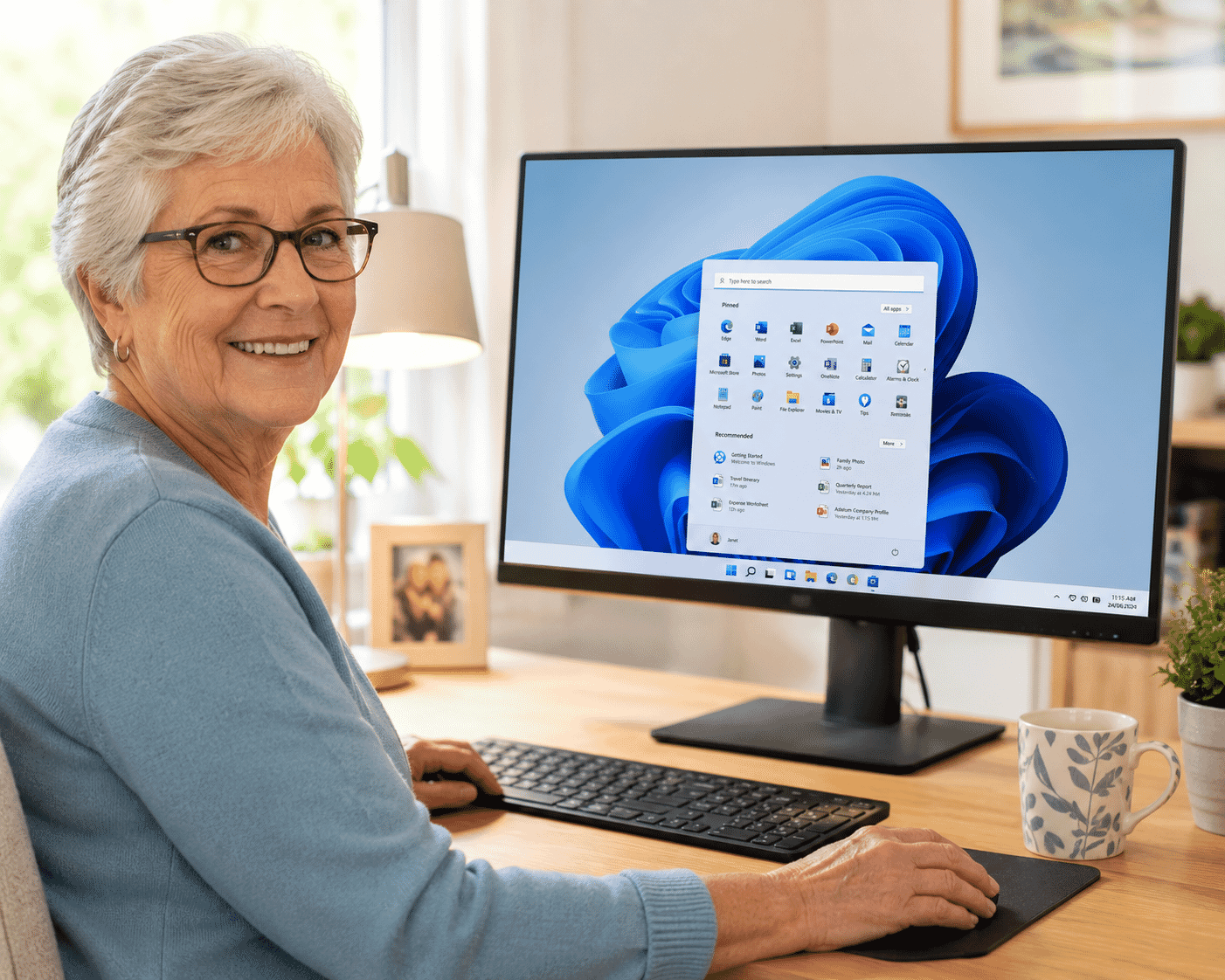
LG-011 - Understanding Windows
Learn the main parts of a Windows computer, including the desktop, taskbar, Start menu, icons, application windows and …
LG-009 - Using a Mouse
Learn how to hold and use a computer mouse with confidence. This beginner-friendly guide explains moving the pointer, c…
LG-008 - Computer Words Explained
Technology doesn't have to be confusing. Learn the meaning of common computer words in simple, everyday language and bu…
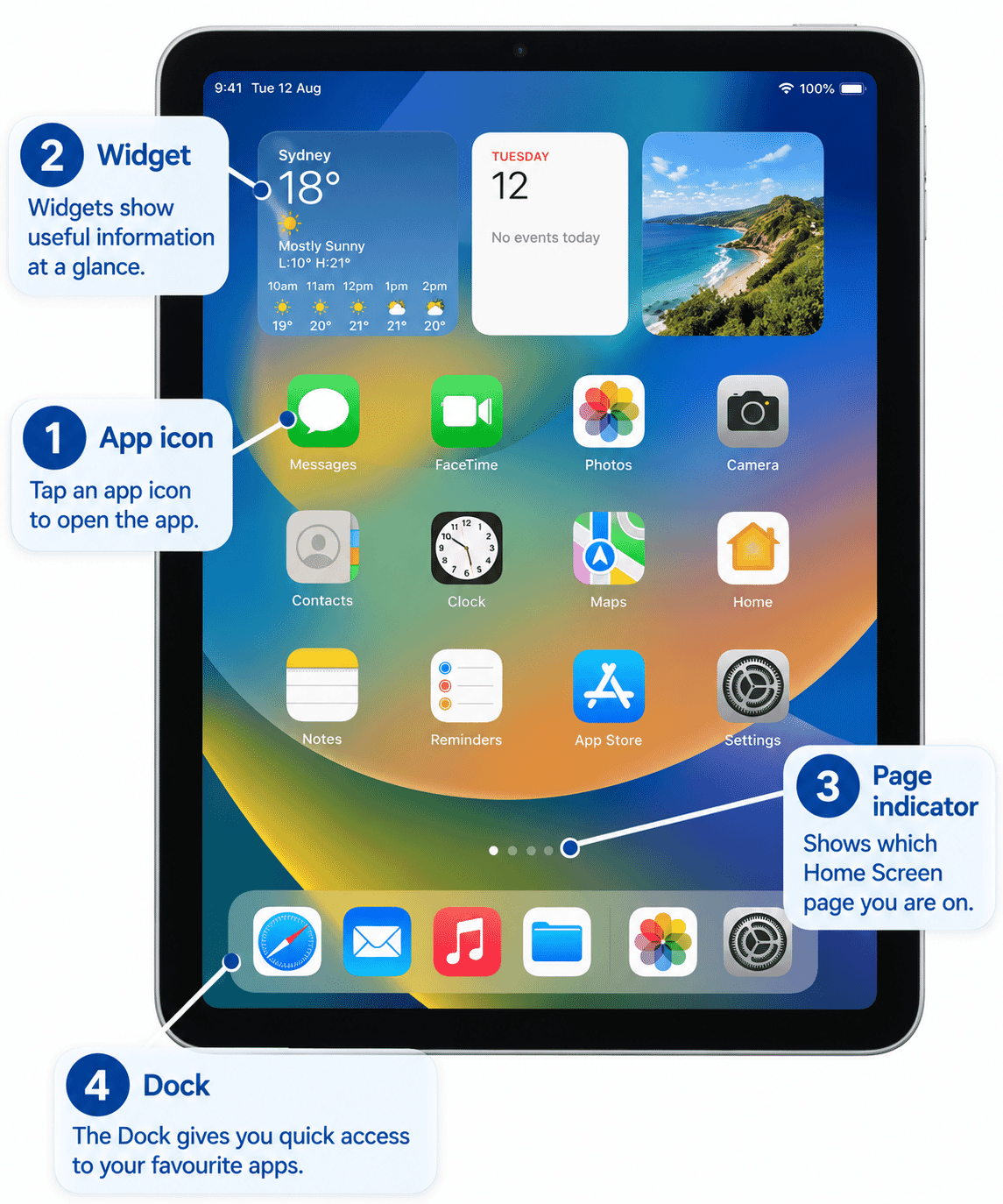
LG-006 - Understanding Apps
Apps help us complete everyday tasks such as sending messages, checking the weather, shopping and banking. Learn what a…
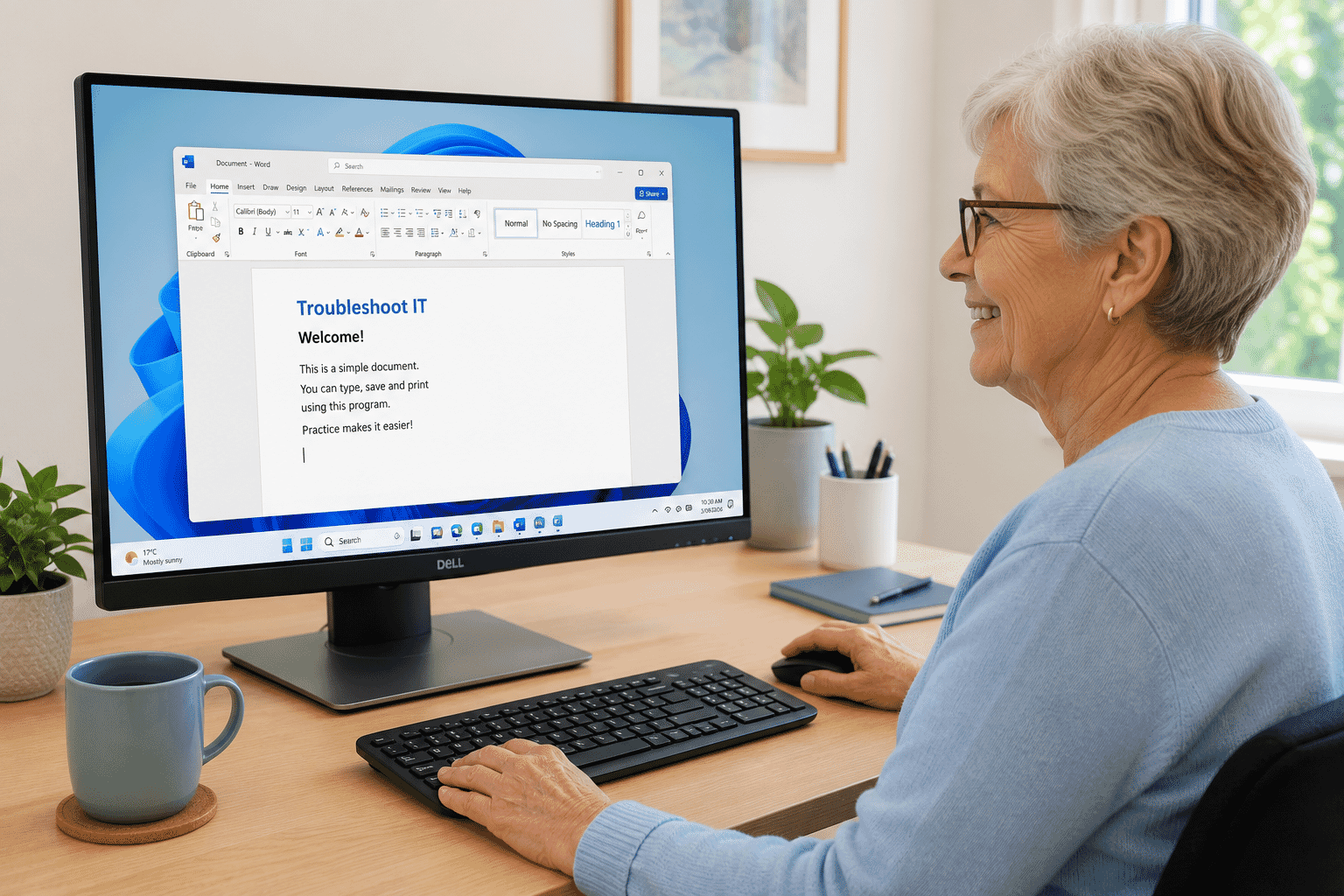
LG-012 - Opening and Closing Programs
Learn how to open, switch between and close programs in Windows with confidence. This beginner-friendly guide explains …
Need more help?
Sometimes a guide is enough. Other times it's easier to have someone work through the problem with you.
Troubleshoot IT provides practical, one-to-one technology support across Darwin, Palmerston and surrounding areas.
Showing page 1 of 4
Premium Resources
Upgrade option for premium content coming soon!