Featured image

We provide practical tools, expert advice and ongoing support to help you stay safe online and avoid scams.
Getting Started with Technology for Seniors is the introductory learning path for the Troubleshoot IT Learning Library.
It has been designed for people who are new to technology or who want to build confidence using computers, smartphones, tablets and the internet.
No previous technical knowledge is assumed.
Each guide introduces one topic at a time using plain English, practical examples and step-by-step explanations.
The goal is to help learners become more confident, more independent and more connected through technology.
12 lessons • 100 minutes • Progress: 0% (0/12) in this browser
Featured image
Thumbnail image
| Difficulty | Getting Started |
|---|---|
| Estimated Time | 3-5 hours |
By the end of this learning path you will be able to:
Introduce the fundamental concepts of modern technology using plain English. Learners become familiar with common devices, terminology and online concepts before they begin using a computer.
Lesson 1
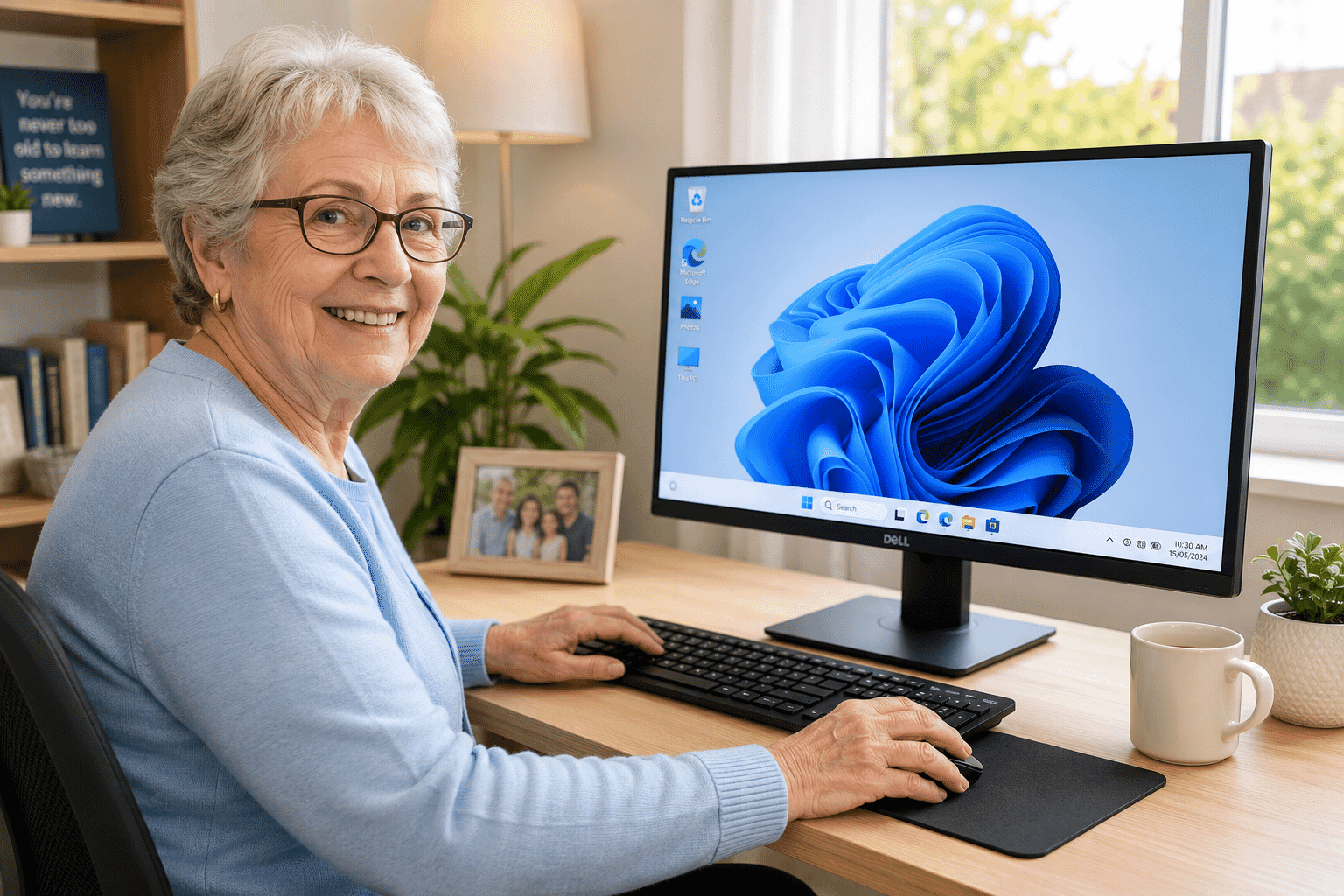
New to computers? This beginner-friendly guide explains what a computer is, the different types available, the basic pa…
10 min read
Lesson 3
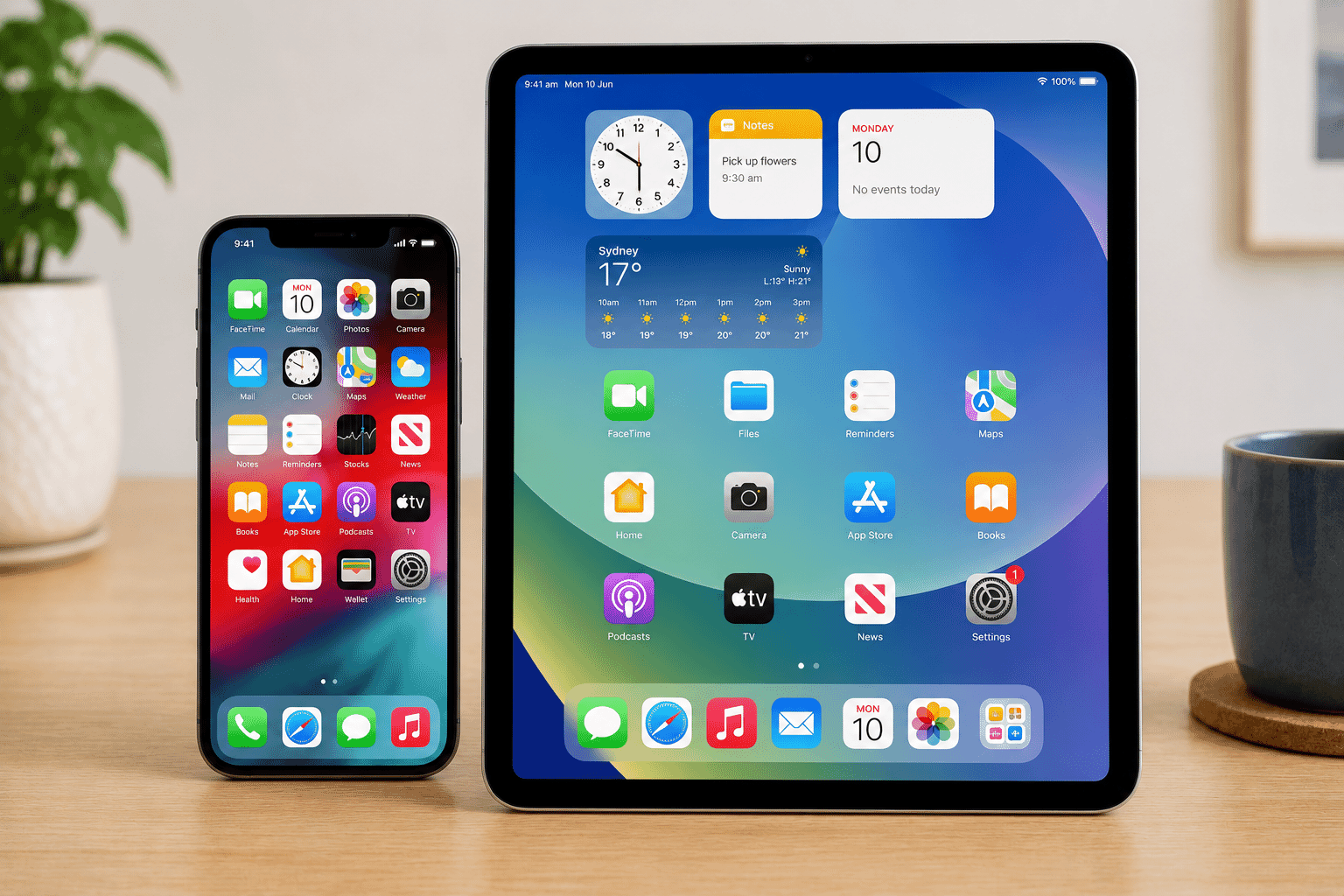
Smartphones and tablets have become part of everyday life. This beginner-friendly guide explains how they work, the dif…
15 min read
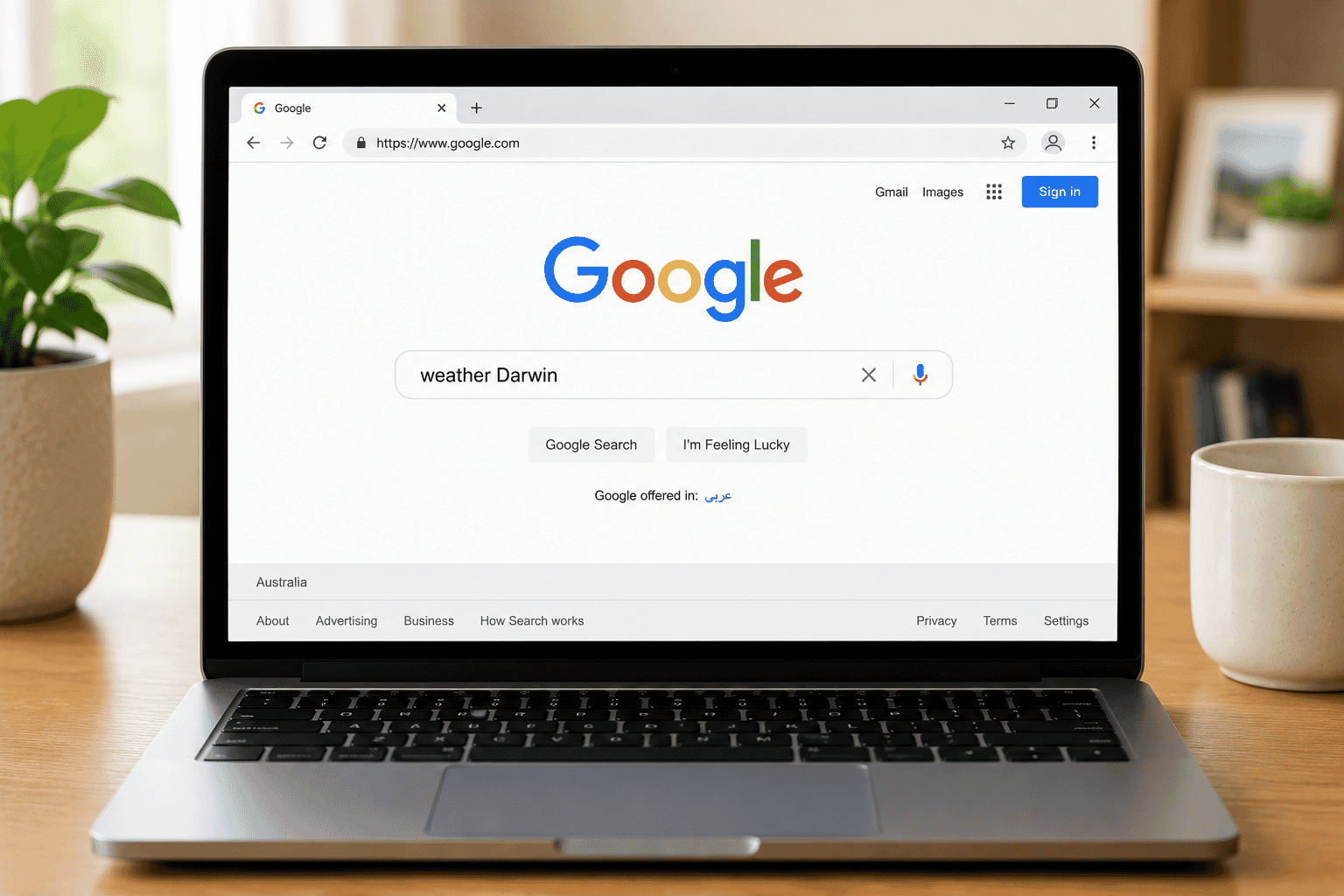
Lesson 4
The internet connects billions of people around the world. Learn how websites, browsers and search engines work and gai…
15 min read
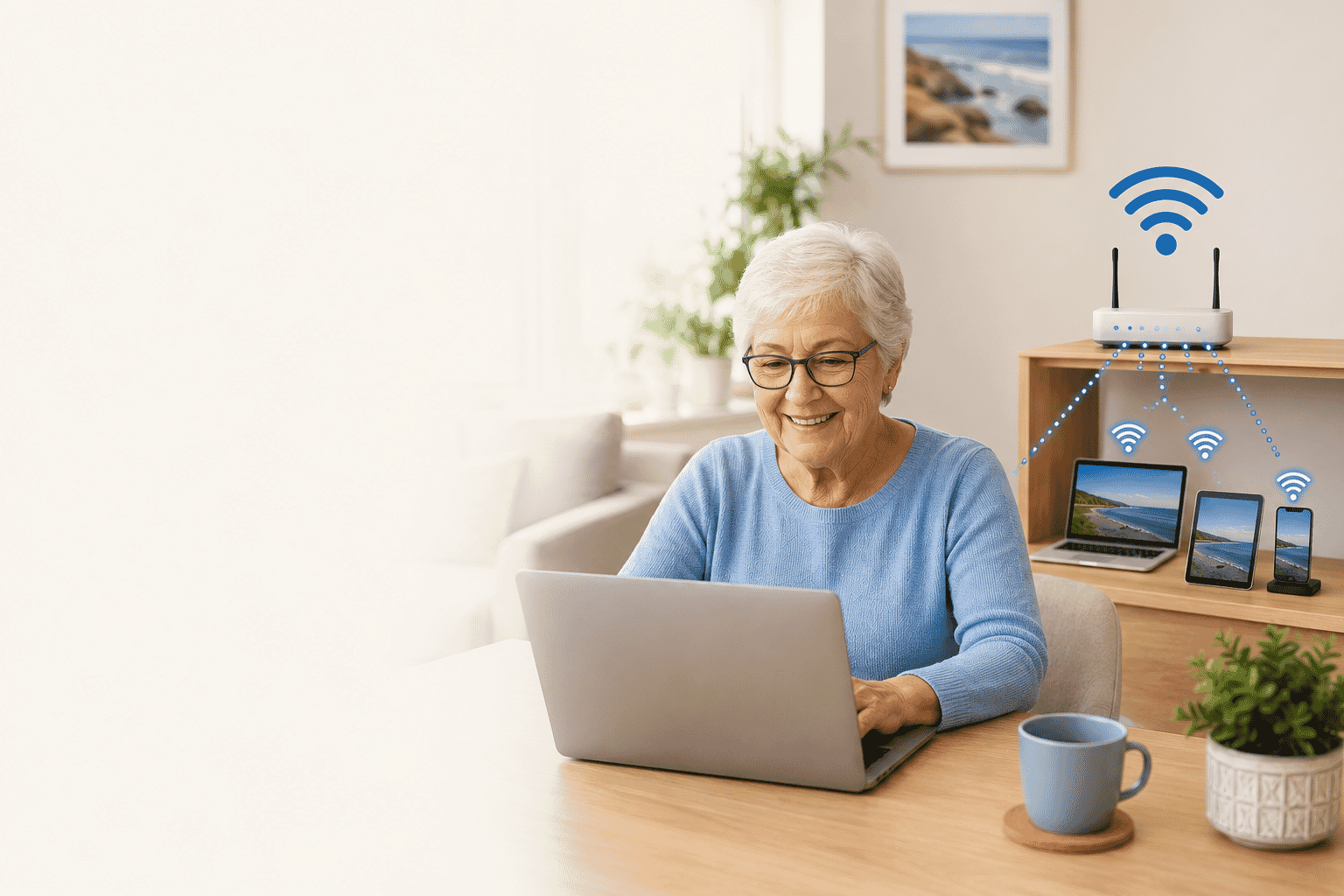
Lesson 5
Confused about Wi-Fi? This beginner-friendly guide explains what Wi-Fi is, why it's useful and how to connect your devi…
10 min read
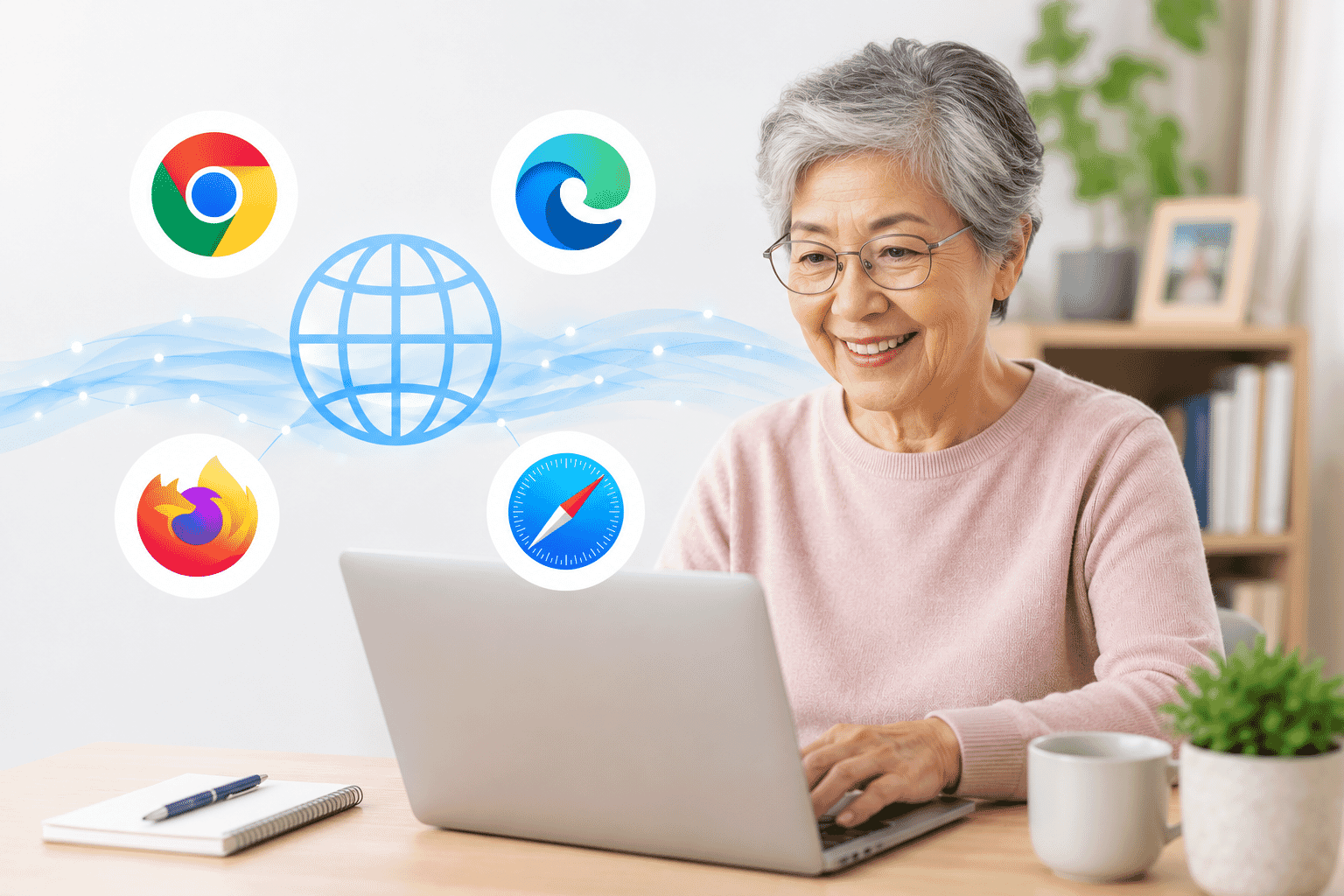
Lesson 6
Learn what a web browser is, why you need one and how browsers help you visit websites safely and confidently.
10 min read
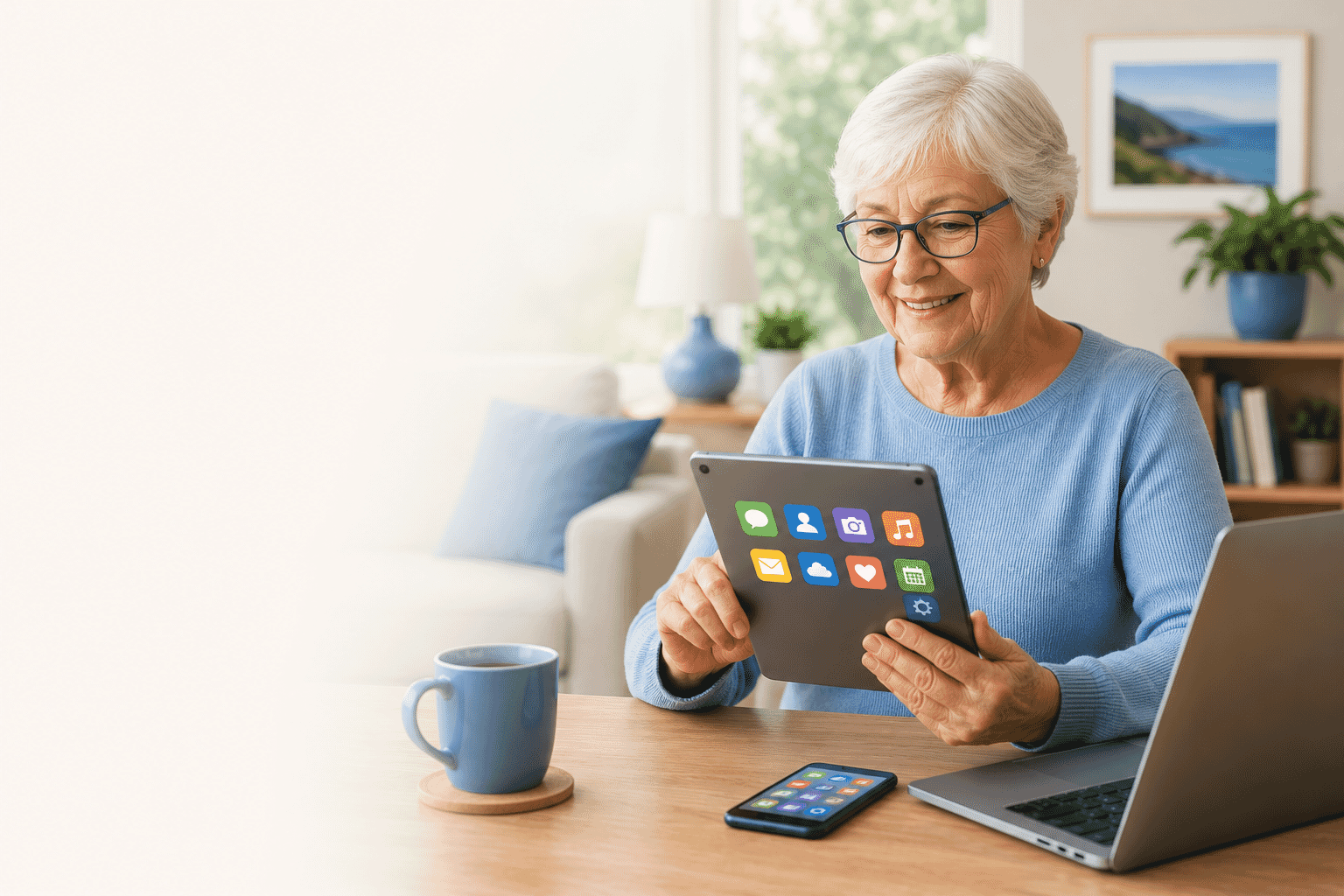
Lesson 7
Apps help us complete everyday tasks such as sending messages, checking the weather, shopping and banking. Learn what a…
10 min read
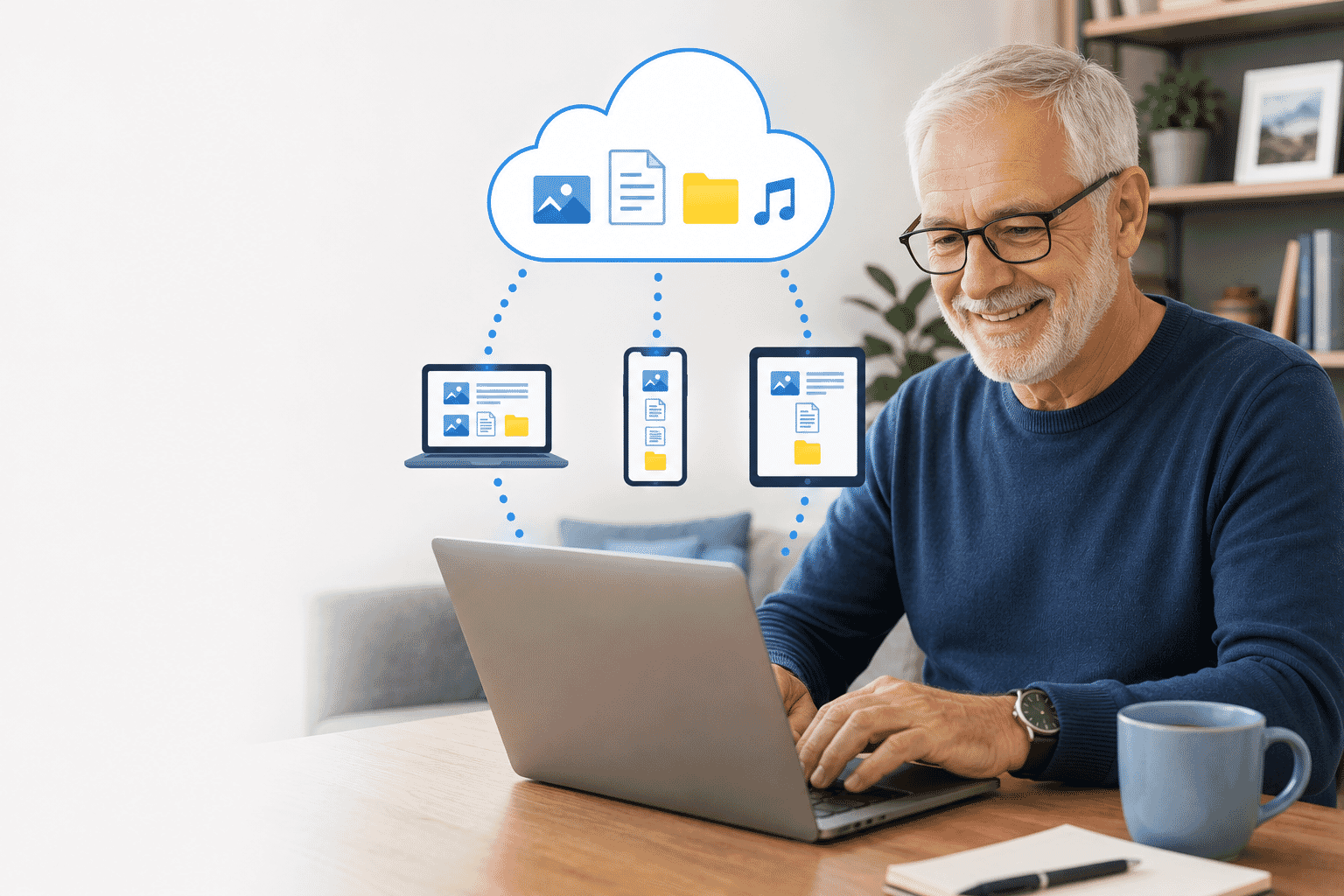
Lesson 8
The cloud isn't something floating in the sky. It's simply another place to safely store your files so you can access t…
15 min read
Develop the practical skills required to operate a Windows computer confidently. Learners practise using input devices, navigating Windows and managing their own files.
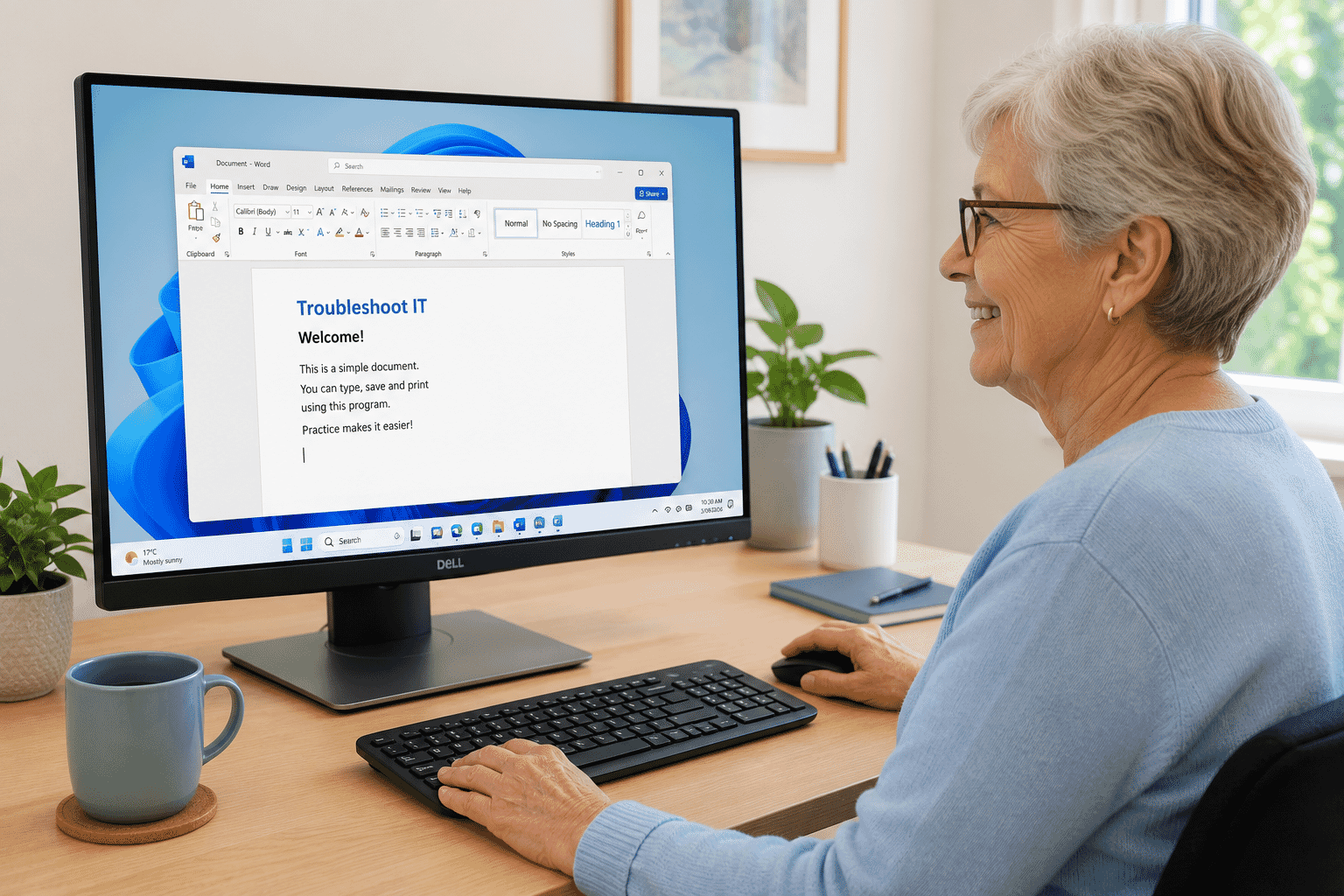
Lesson 2
Learn how to open, switch between and close programs in Windows with confidence. This beginner-friendly guide explains …
Duration not set
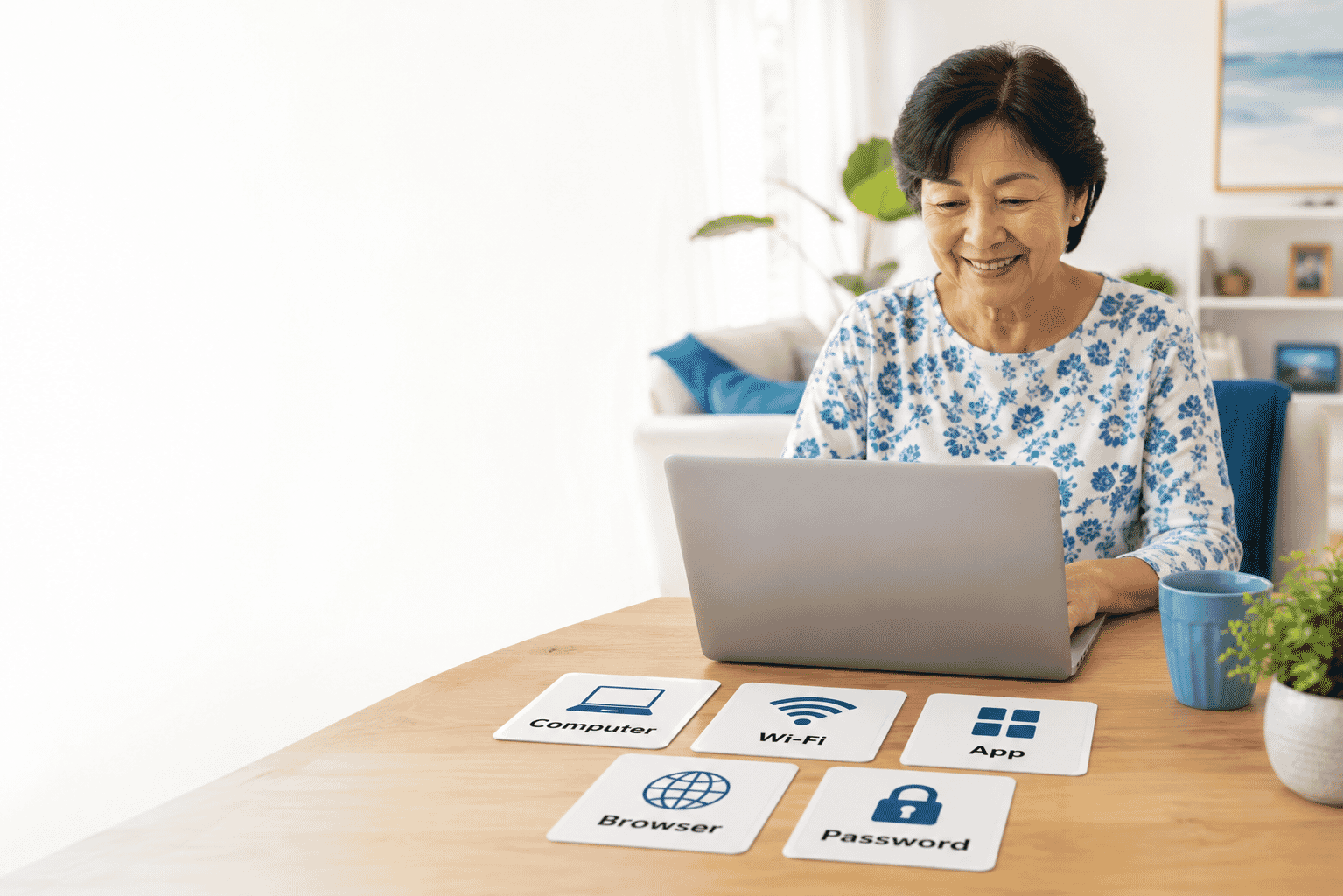
Lesson 9
Technology doesn't have to be confusing. Learn the meaning of common computer words in simple, everyday language and bu…
15 min read
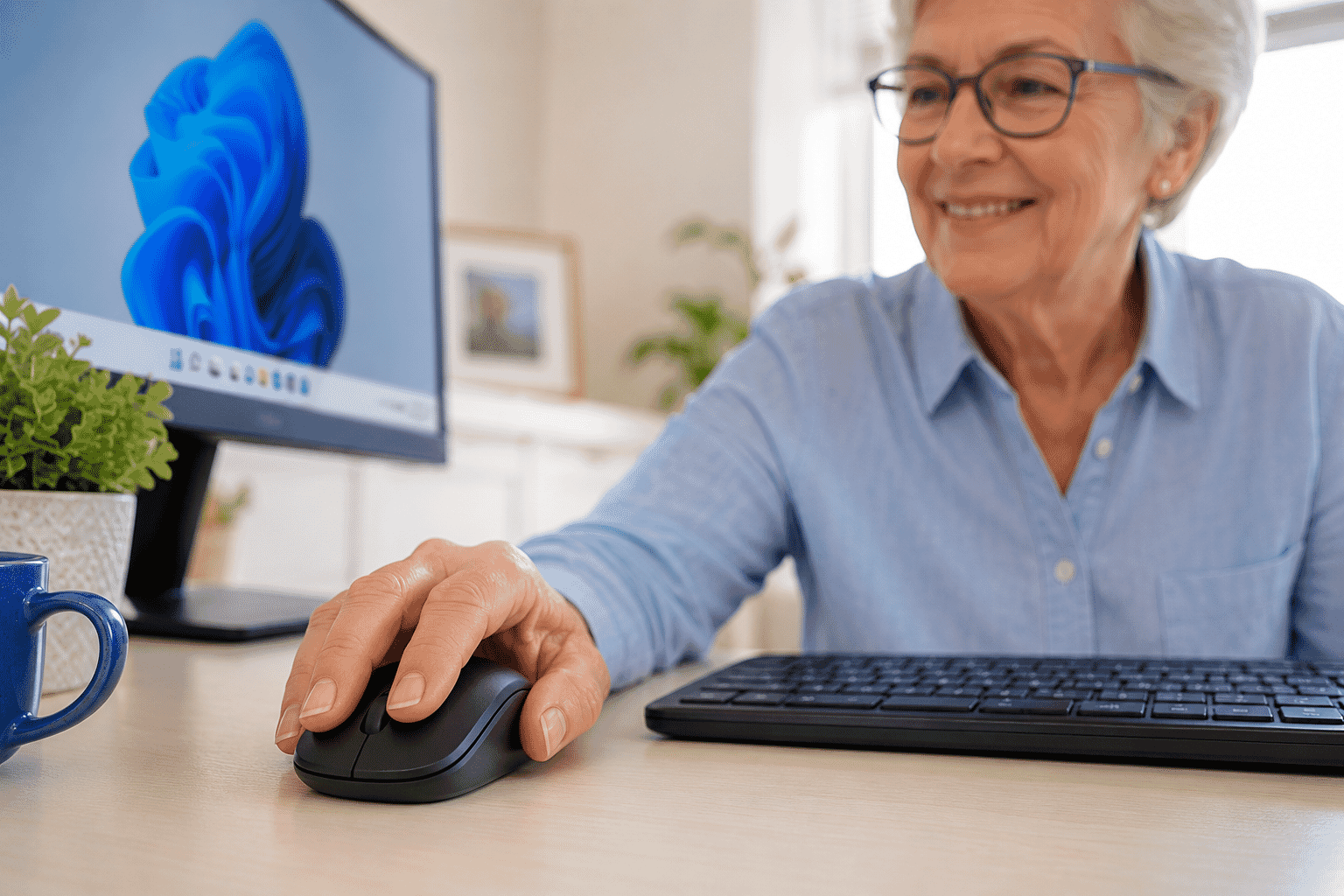
Lesson 10
Learn how to hold and use a computer mouse with confidence. This beginner-friendly guide explains moving the pointer, c…
Duration not set
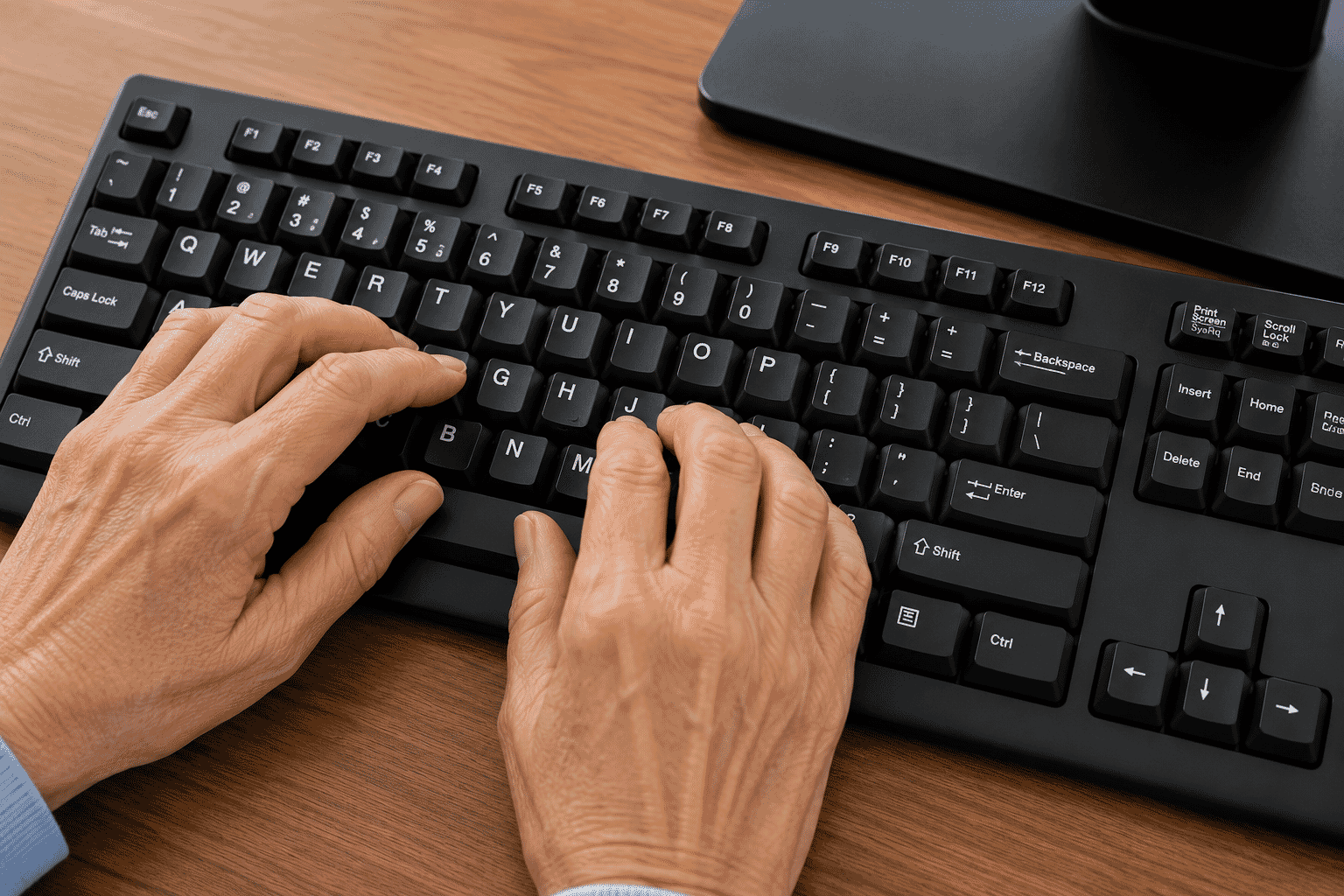
Lesson 11
Learn how to use a computer keyboard with confidence. This beginner-friendly guide explains the most important keys, ty…
Duration not set
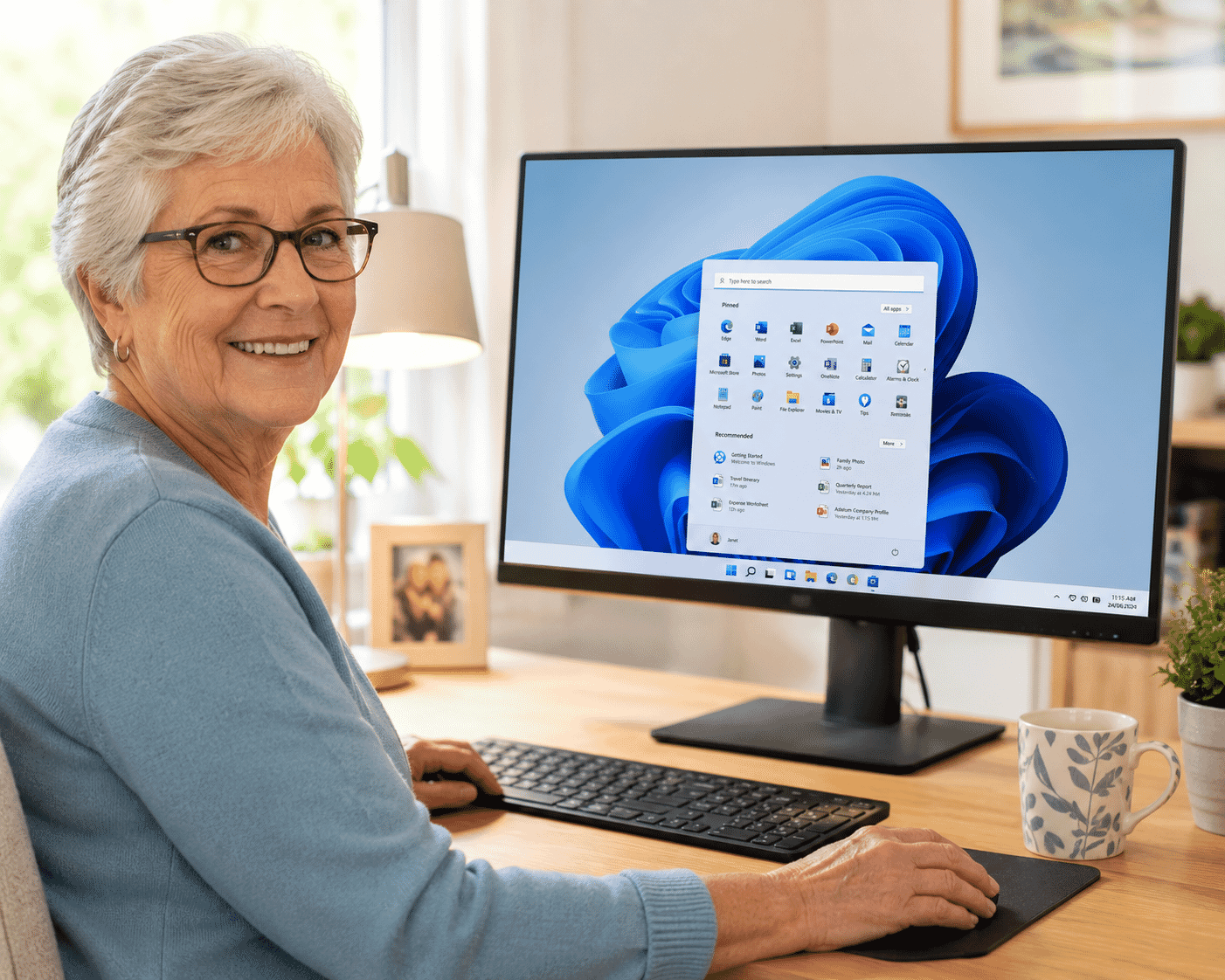
Lesson 12
Learn the main parts of a Windows computer, including the desktop, taskbar, Start menu, icons, application windows and …
Duration not set