
Your safety is our priority

We provide practical tools, expert advice and ongoing support to help you stay safe online and avoid scams.

  • Scam Aware
  • Safe Online
  • Privacy Focused
  • Trusted Support

LP-005 - iPhone & iPad for Beginners

The purpose of LP-005 is to introduce iPhone and iPad skills one step at a time so learners can use their device more confidently and independently.

The Learning Path should help learners understand not only what to tap, but also what common features are for and when they may be useful.

Technical terminology should be explained in plain English when it is necessary.

The Learning Path should avoid overwhelming learners with advanced features that are not required for everyday use.

2 lessons • 25 minutes • Progress: 0% (0/2) in this browser

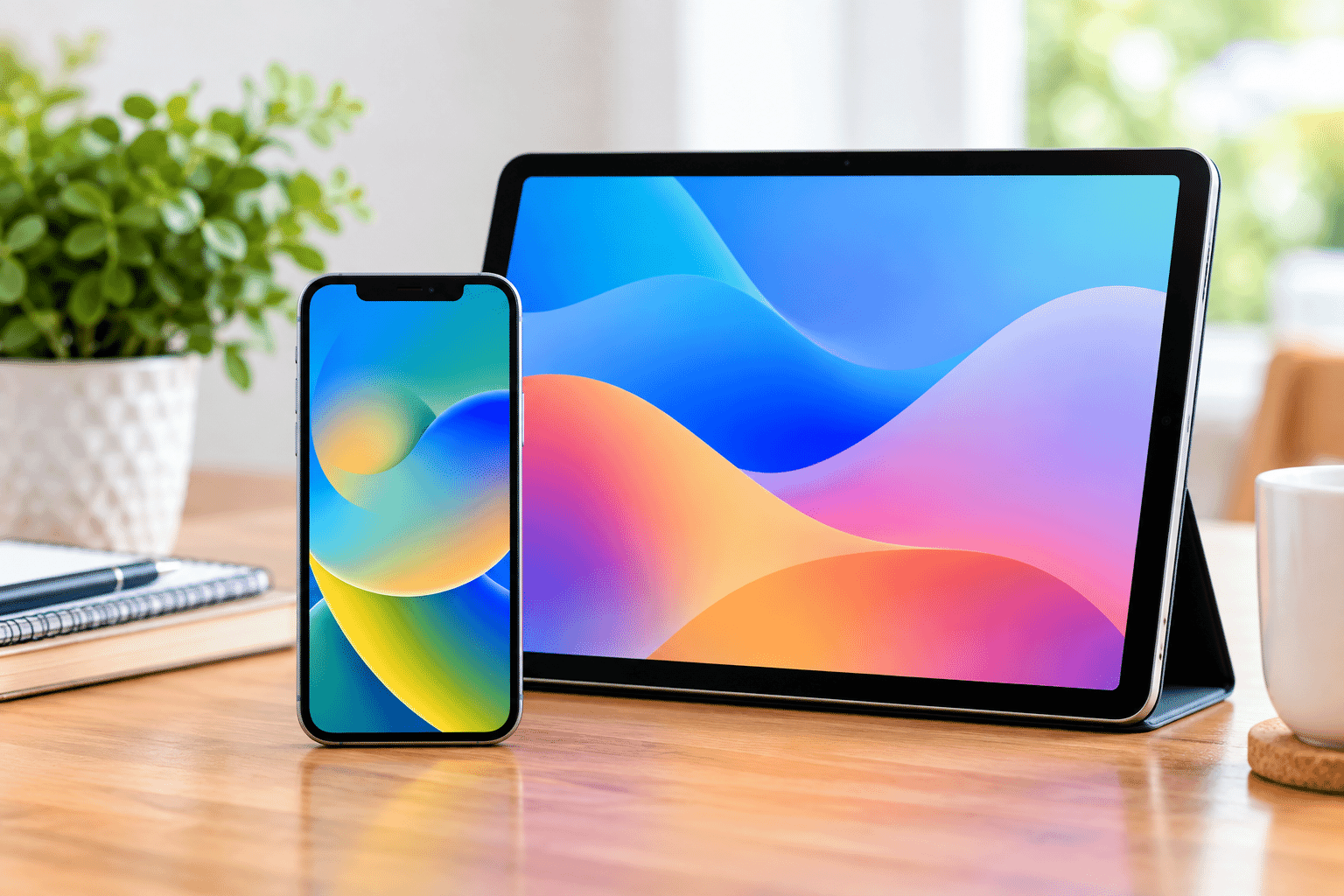
LP-005 - iPhone & iPad for Beginners featured image

Featured image

LP-005 - iPhone & iPad for Beginners thumbnail image

Thumbnail image

Difficulty Getting Started
Estimated Time 3-5 hours

Target Audience

This Learning Path is suitable for:

  • Seniors
  • Beginners
  • Home users
  • NDIS participants
  • People using an iPhone or iPad for the first time
  • People who already own an Apple device but lack confidence using it
  • People moving from another type of phone or tablet
  • Family members or support people helping someone learn to use an Apple device

No previous Apple experience is required.

Learning Objectives

After completing this Learning Path, learners should be able to:

  • Identify the main parts and controls of an iPhone or iPad.
  • Use common touchscreen gestures.
  • Navigate the Home Screen and everyday device controls.
  • Use Control Centre and notifications.
  • Type using the on-screen keyboard.
  • Find and change common settings.
  • Use Siri for simple tasks.
  • Make calls on supported devices.
  • Manage contacts.
  • Send and receive messages.
  • Use FaceTime.
  • Use email.
  • Connect to Wi-Fi.
  • Understand mobile data.
  • Connect suitable Bluetooth devices.
  • Browse the internet using Safari.
  • Find, install, organise, update and remove apps.
  • Take photos and record videos.
  • Find, organise and share photos.
  • Understand the basic purpose of iCloud Photos.
  • Understand their Apple Account.
  • Understand the basic purpose of iCloud.
  • Back up their device.
  • Use Find My to help locate a lost device.
  • Understand iCloud storage and Family Sharing.
  • Adjust display, sound and accessibility settings.
  • Use a passcode, Face ID or Touch ID where supported.
  • Understand the importance of software updates.
  • Recognise common mobile scams.
  • Protect their Apple Account.
  • Understand basic battery and storage information.
  • Restart their device and try simple troubleshooting steps.
  • Know when a problem requires additional help.

Module 1 - Meet Your iPhone or iPad

Introduce the physical device and the fundamental touchscreen skills required throughout the rest of the Learning Path.